

Thirteen years after its release, GTA V is still a playground for creativity thanks to its PC mods: real-world cars, reworked graphics, scripts that add a police mode or a homemade heist system. Installing them takes just a few steps, but one rule is non-negotiable: you mod in single-player, never online. Here is how to get started cleanly, with the right tools and without putting your account at risk.
Single-player mods vs. online mods: the line you must never cross
This is the single most important point in the guide, even before your first download. Modding GTA V is tolerated in story mode only. In June 2017, after the OpenIV saga, Take-Two clarified its position: it generally will not pursue legal action against third-party projects that are single-player, non-commercial, and respect other people’s intellectual property. Rockstar even maintains an official support page dedicated to PC single-player mods. This is neither a license nor a blank check, but a clear tolerance.
In GTA Online, it is the exact opposite: any mod, menu, or cheat is banned and punished. The good news is that the core tool protects itself. Script Hook V does not work online and simply closes the game if you try to switch to multiplayer. On top of that, the BattlEye anti-cheat monitors online mode on PC. The rule boils down to one sentence: mod in single-player, offline, and never touch GTA Online with modified files.
| Item | Story mode (single-player) | GTA Online |
|---|---|---|
| Mods allowed | Yes, tolerated (single-player, non-commercial) | No, strictly banned |
| Ban risk | None | High (BattlEye on the Enhanced edition) |
| Script Hook V | Works | Disables itself and closes the game |
| Best habit | Back up your original files | Play 100% vanilla |
If multiplayer is what draws you in, forget rogue mods and go through a framework built for it: that is the whole point of GTA RP on FiveM, a universe separate from official GTA Online.
Legacy or Enhanced: which version to install for modding
Since March 4, 2025, GTA V on PC comes in two versions, and that is the first choice to make before installing anything. The Enhanced edition arrived as a free upgrade for owners of the game: PC-exclusive ray tracing, faster loading, and online content aligned with PS5 and Xbox Series. The original version did not disappear: it was renamed Legacy and is still included for free. On Steam, both appear as separate entries in your library, and you choose which one to launch.
For modding, the distinction is crucial. Legacy is the scene’s classic version: OpenIV works natively there, nearly every existing mod targets it, and it is also the only one compatible with FiveM. Enhanced changed the format and encryption of the game’s archives, which initially knocked OpenIV and a chunk of mods out of service. The community filled the gap, but at the cost of dedicated tools (more on that below). The practical takeaway: if mods are your priority, stay on Legacy.
| Criterion | GTA V Legacy | GTA V Enhanced |
|---|---|---|
| Release | Original version (PC, 2015) | March 4, 2025 |
| Rendering | DirectX 11 | DirectX 12, PC ray tracing |
| OpenIV | Native, works right away | Requires OpenRPF (adapted OpenIV.asi) |
| Mod compatibility | Maximum (classic scene) | Partial, up-to-date tools required |
| FiveM | Compatible | Not compatible |
| Modding verdict | The safe bet | For those who want ray tracing |
The core tools for modding GTA V on PC
Three building blocks cover the vast majority of mods.
- Script Hook V, by Alexander Blade, is the library that lets
.asiplugins call the game’s native functions. It is the foundation of nearly every script mod. - Script Hook V .NET is its extension for running scripts written in C# or .NET, which are very common in the scene.
- OpenIV is the editor for the game’s files (the
.rpfarchives). It is used to replace a vehicle, a texture, or a sound, and it manages themodsfolder so you never touch the original files.
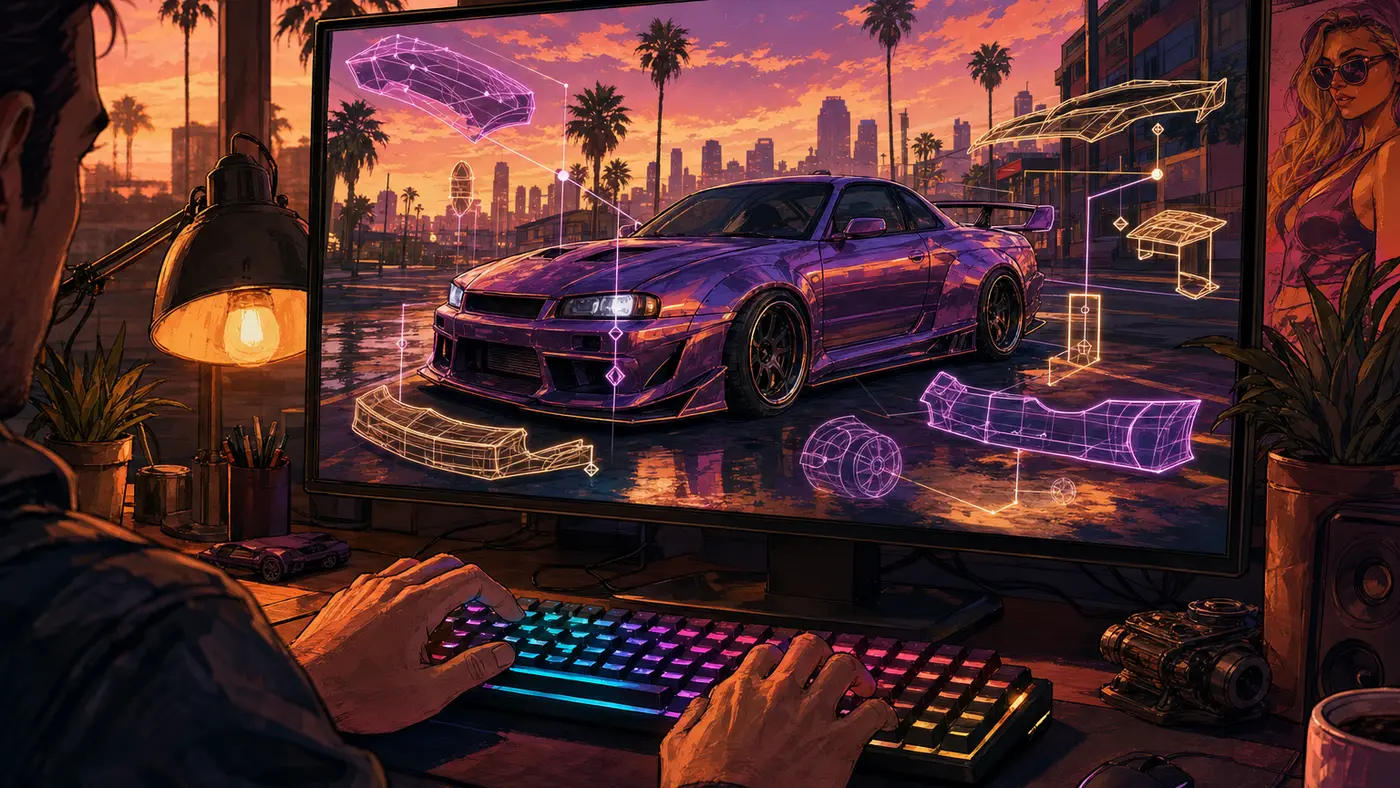
From there, add whatever you like: a script manager such as a script loader, an ENB-style graphics mod or a ReShade preset, or popular community add-ons hosted on GTA5-Mods. At this stage, a mod is not a built-in GTA 5 cheat code: it is an external file that you install yourself.
Installing a mod step by step
The basic process, on the current PC edition, takes six steps.
- Back up your game folder (or at least the archives you plan to modify). This is safety net number one.
- Install Script Hook V from its official source (dev-c.com): copy
ScriptHookV.dllanddinput8.dllinto the GTA V root folder. - Add Script Hook V .NET if the mod you want is a C#/.NET script, following its requirements.
- Install OpenIV, then enable the
modsfolder (ASI Manager / package install feature): OpenIV works on a copy, so your original files stay intact. - Drop in the mod: a script goes into the
scriptsfolder, while a vehicle or texture replacement is installed through OpenIV into themodsfolder. - Launch the game offline, in story mode, and check that everything loads before stacking more mods.
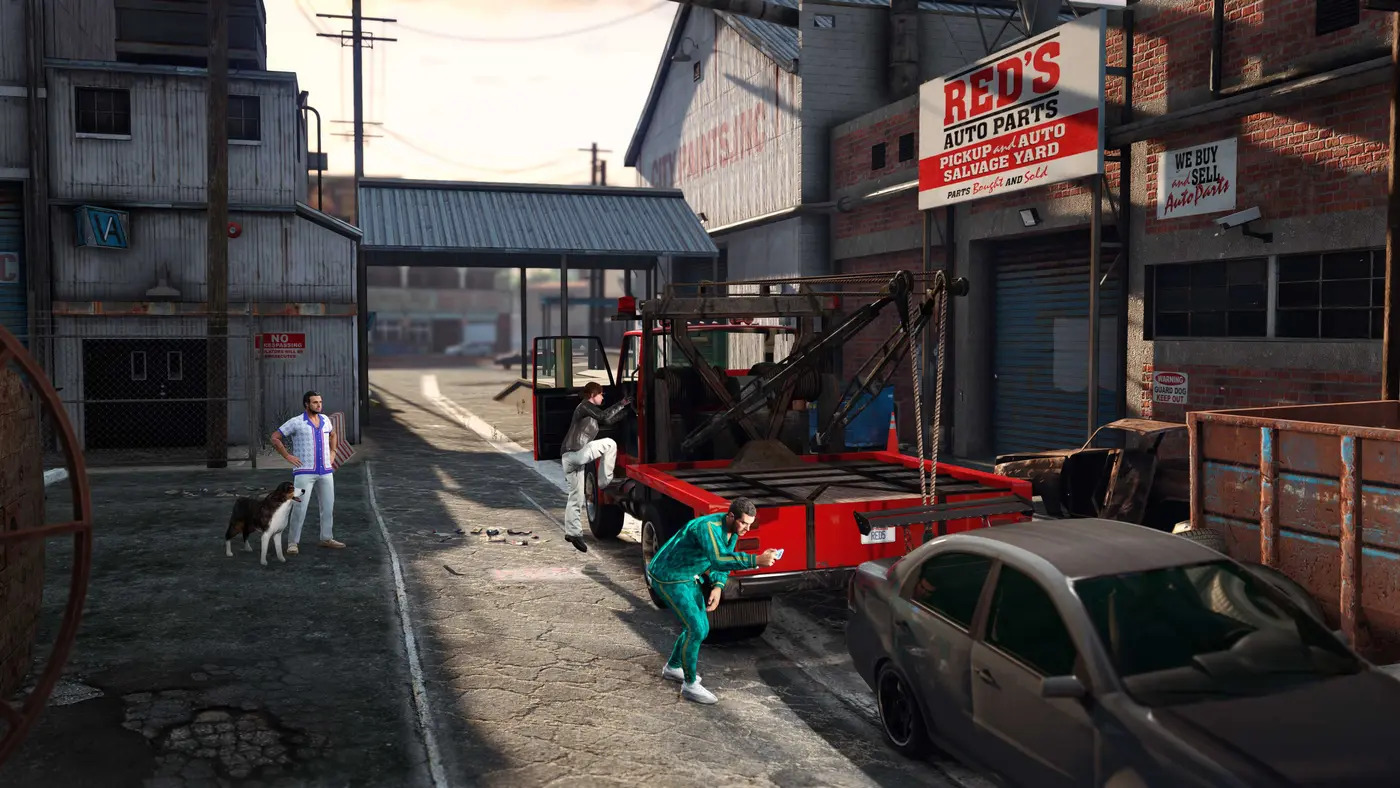
The reminder that saves accounts: never launch GTA Online with these files in place. And since modding only exists on PC, here is what the official arrival of that version looked like, the one that opened the door to the whole scene.
The OpenIV affair: why GTA V modding almost died
Single-player modding was not always smooth sailing. On June 5, 2017, Take-Two sent a cease-and-desist to the OpenIV team, accusing it of enabling players to bypass the game’s protections. The developers first halted distribution of the tool, triggering a wave of community anger (mass negative reviews on Steam, a petition).
A few weeks later came the reversal: Rockstar found common ground with its parent company and published the statement that still serves as the framework today. Tolerance for non-commercial single-player, a red line on anything involving multiplayer, online, or importing other intellectual property. OpenIV came back, and it is that compromise that explains why the GTA V mod scene has been so rich and stable ever since. It is one of the reasons, among others, that GTA V is still going strong since 2013.
Modding the Enhanced edition: the up-to-date tools
If you are set on ray tracing and still want to mod on Enhanced, the scene has caught up, but you need the right kit. The March 4, 2025 overhaul initially broke some mods, with a few causing an immediate crash on launch. Three pieces now handle most of it.
- Script Hook V for Enhanced: Alexander Blade released a version compiled for the new edition.
.asiscripts need it, just as on Legacy. - OpenRPF: this is the replacement for OpenIV.asi on the Enhanced side. It loads a
modsfolder without having to re-encrypt your files, whereas native OpenIV no longer reads Enhanced archives. On Legacy, none of that applies, OpenIV is enough. - Disable BattlEye: essential for launching modded story mode (see below).

Watch out for mods imported from Legacy: the old version’s files crash Enhanced as-is, so you have to convert them (the CodeWalker tool handles that switch). And the classic troubleshooting trap: a mod like LSPDFR does not rely on Script Hook V but on RAGE Plugin Hook, whose up-to-date version ships in the LSPDFR download itself, not on the hook’s website. Grab the wrong version and you will spend hours blaming Script Hook V for a simple dependency mismatch.
Disabling BattlEye in two clicks
BattlEye is the anti-cheat that protects GTA Online; it has no reason to run when you play modded in single-player. Two ways to turn it off:
- Rockstar Games Launcher: Settings (top right), General tab, uncheck BattlEye.
- Steam or Epic: right-click the game, Properties, and add
-nobattleyeto the launch options.
As long as BattlEye is disabled, GTA Online is inaccessible: that is normal and intended. You turn it back on to play online again, and above all you go back in 100% vanilla.
The must-know mods
Once the basics are in place, here are the pillars of the scene, all single-player.
- LSPDFR: the cult police mod. You play an officer on patrol, with traffic stops, pursuits, and arrests. It runs through RAGE Plugin Hook and pushed part of the community toward the simulator side.
- NaturalVision Evolved (NVE): the graphics benchmark, a rework of lighting, textures, and weather for a near-photorealistic Los Santos.
- Menyoo and Simple Trainer: the trainers, menus that spawn vehicles, weapons, or characters and change the weather on the fly, sandbox-style.
- Add-on vehicles: thousands of real-world cars added without replacing the original models, through a simple dedicated folder.
One last habit worth its weight in gold: only download from trusted sources (GTA5-Mods, Nexus Mods, the tools’ official sites). Fake installers and free menus that promise the moon are the main vector for viruses and account theft on PC.
GTA V’s success, now more than 230 million copies sold (Take-Two annual results, August 7, 2026 earnings call), is no stranger to this scene’s vitality: a huge player base, mature tools, and an official tolerance that survived 2017. One question remains for the future: will single-player modding have a place in the next installment? We dig into it in our feature on GTA 6 on PC.


Comments
Be the first to react.